
Checklist for municipalities
Checklist: 10 requirements for a good digital key solution
More than a lock: how to assess security, privacy, integrations, operations, technology choices and total cost before procurement or further rollout.
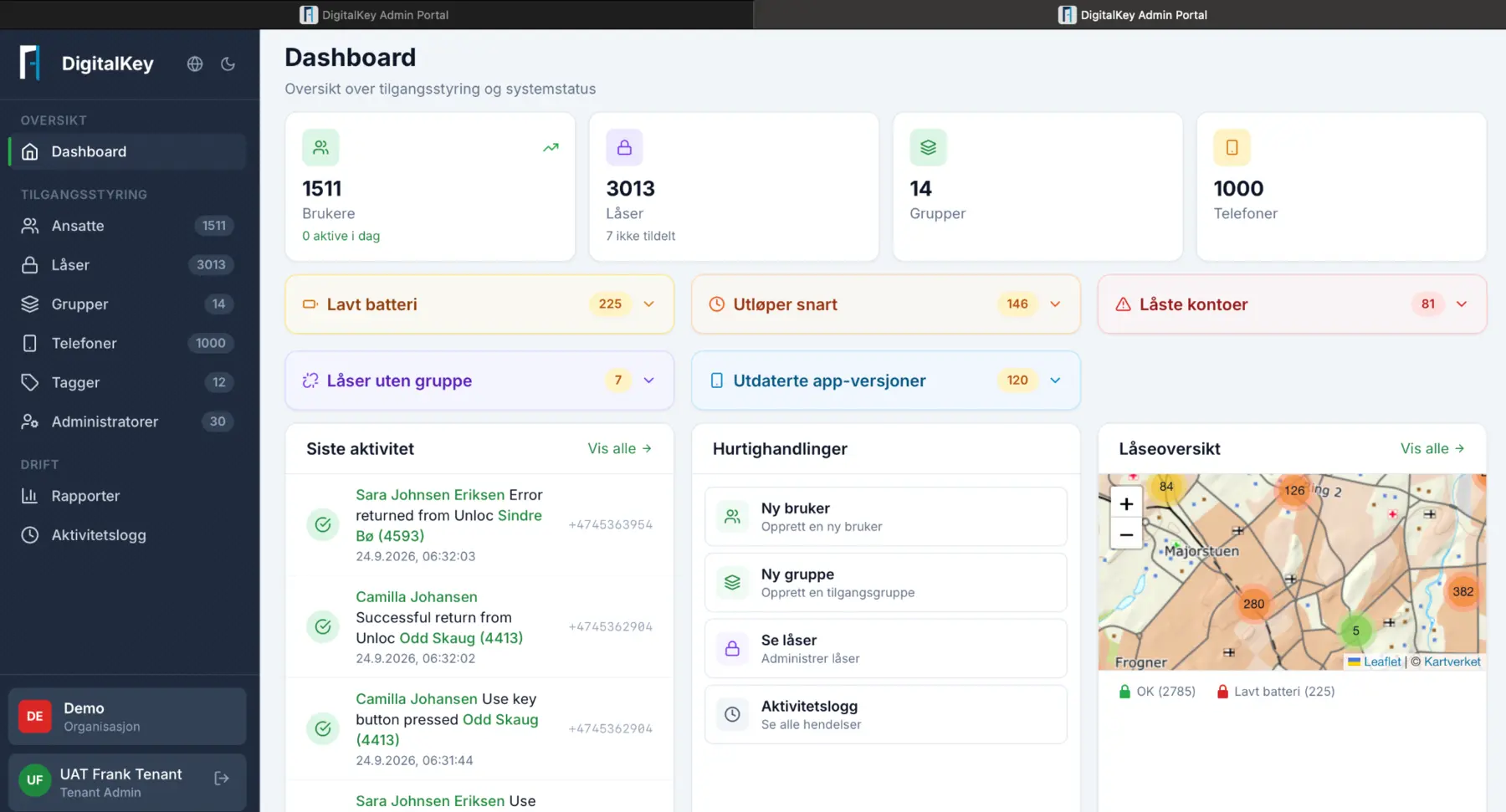
More than a lock
Many municipalities have moved away from physical keys, at least in selected services and locations. Key rings have partly disappeared, and home care teams no longer need to drive via the office to collect keys before scheduled visits. The next question is harder: how do we know we have chosen the right solution?
A good digital key solution is about more than the lock itself. It should make it easy to give the right people access to the right doors while giving the municipality oversight and control. Responsibilities must be clear when something goes wrong, and the solution must adapt to new needs – today and five years from now.
We have compiled ten requirements that should form part of any assessment, whether you are preparing a procurement, running a pilot or scaling an existing deployment. They draw on our experience developing Aprire DigitalKey at Voglio and supporting Norwegian municipalities that use the platform today.
The ten requirements at a glance
Security that works in the real world
Every vendor says its solution is secure. Ask instead what happens in the situations that actually occur. What happens when an employee loses their phone? When the power fails, or the network is unavailable?
Look for encrypted communication between the app, cloud and lock, strong authentication for administrators, and a clear emergency-access plan. Ask to see how the solution handles a lost key in practice, not only on a slide.
Privacy from day one
A digital key solution records who enters, where and when. That is personal data, and it can be highly sensitive – for example when home care services visit residents.
The vendor must be able to explain where data is stored, how long it is retained and who can access it. A data processing agreement and a data protection impact assessment should be in place before the pilot begins. Building privacy in from the start is far easier than correcting it later.
Roles and permissions that are easy to manage
In a municipality, a caretaker, cleaner, home-care nurse and operations manager have very different needs. The solution must make it easy to give each role exactly the access it needs – and no more.
Test how long it takes to give a temporary worker access for one shift and revoke it again. If that requires a call to the vendor, treat it as a warning sign. Temporary permissions and time-based access should be standard.
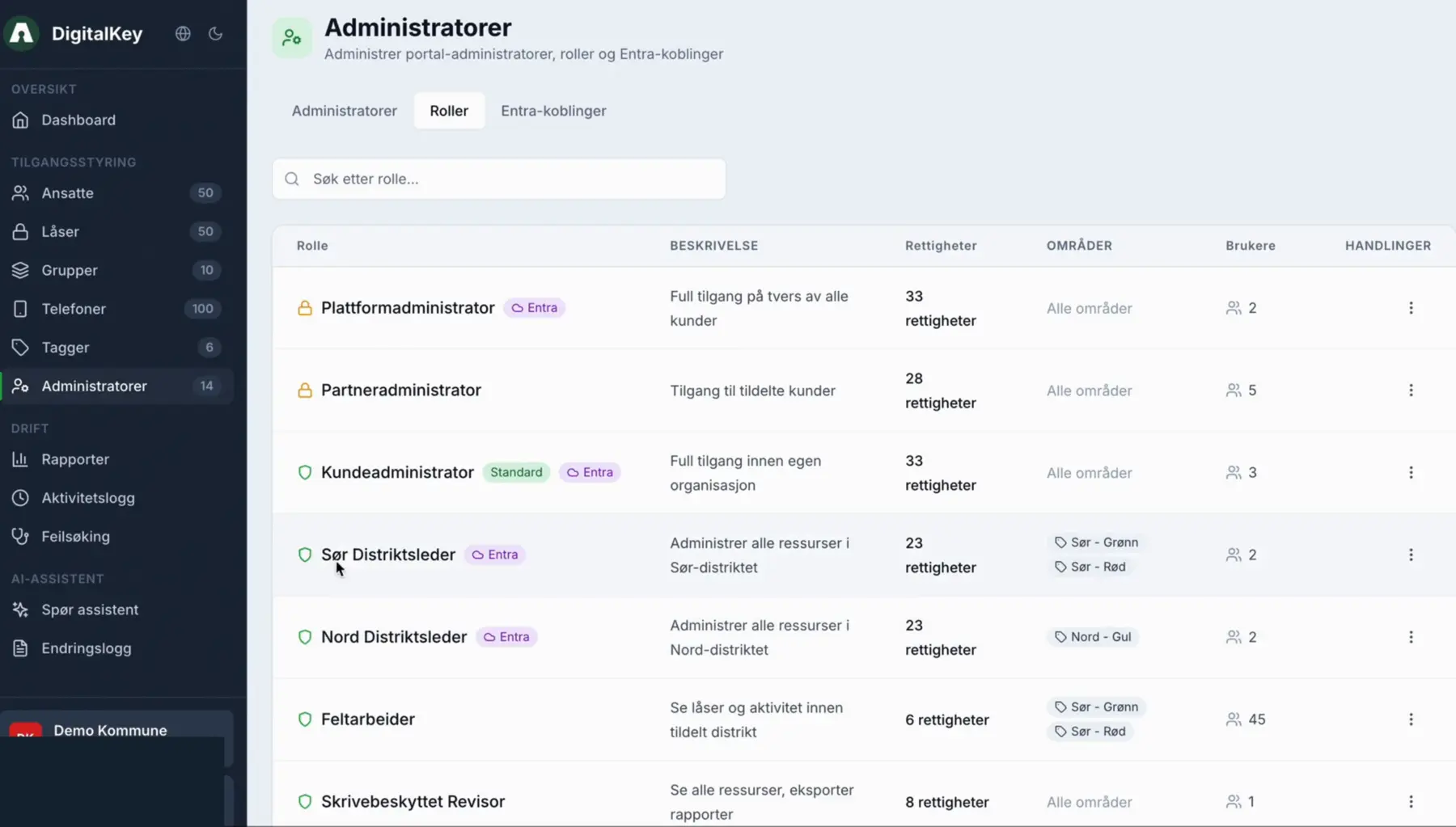
Bring users, roles and time-based permissions together so the municipality can make changes quickly and with control.
Traceable audit logs
When something has happened – a complaint, a break-in or a dispute about who was where – you need to find the answer quickly. The log should show who opened which door, when it happened and who granted that person access. Both the solution and the operating procedures must support this.
Check that logs cannot be altered afterwards, are easy to search and can be exported without help from the vendor. Also agree how long logs are retained so that the policy aligns with privacy requirements.
Open integrations
A key solution that stands alone quickly becomes another system to maintain manually. It should communicate with the municipality’s other systems, including HR, health and care record systems, booking solutions for municipal facilities and existing access control.
Ask for documented APIs and specific examples of integrations already in production. Clarify integration needs early. Discovering them after the contract is signed is expensive.
Support for multiple access technologies
Mobile keys are convenient, but they do not suit everyone. Some employees do not have a work phone, some residents do not have a smartphone, and some buildings have doors where battery-powered locks are not the right choice.
A good solution handles different technologies – mobile keys, access cards, offline PIN-code locks, NFC and battery-free locks – in the same system. That allows you to choose what fits each building and user group instead of adapting everyday work to one technology.
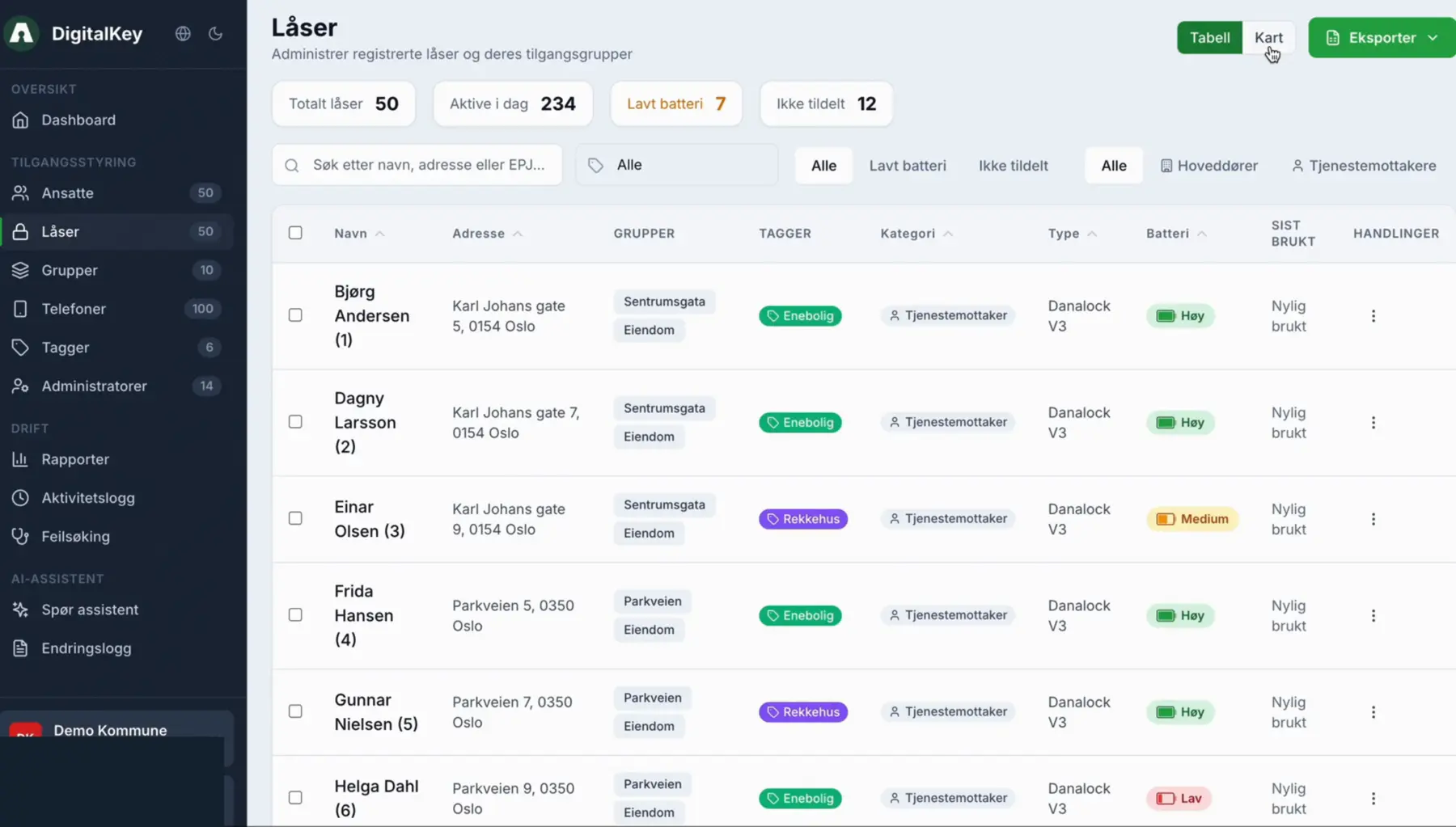
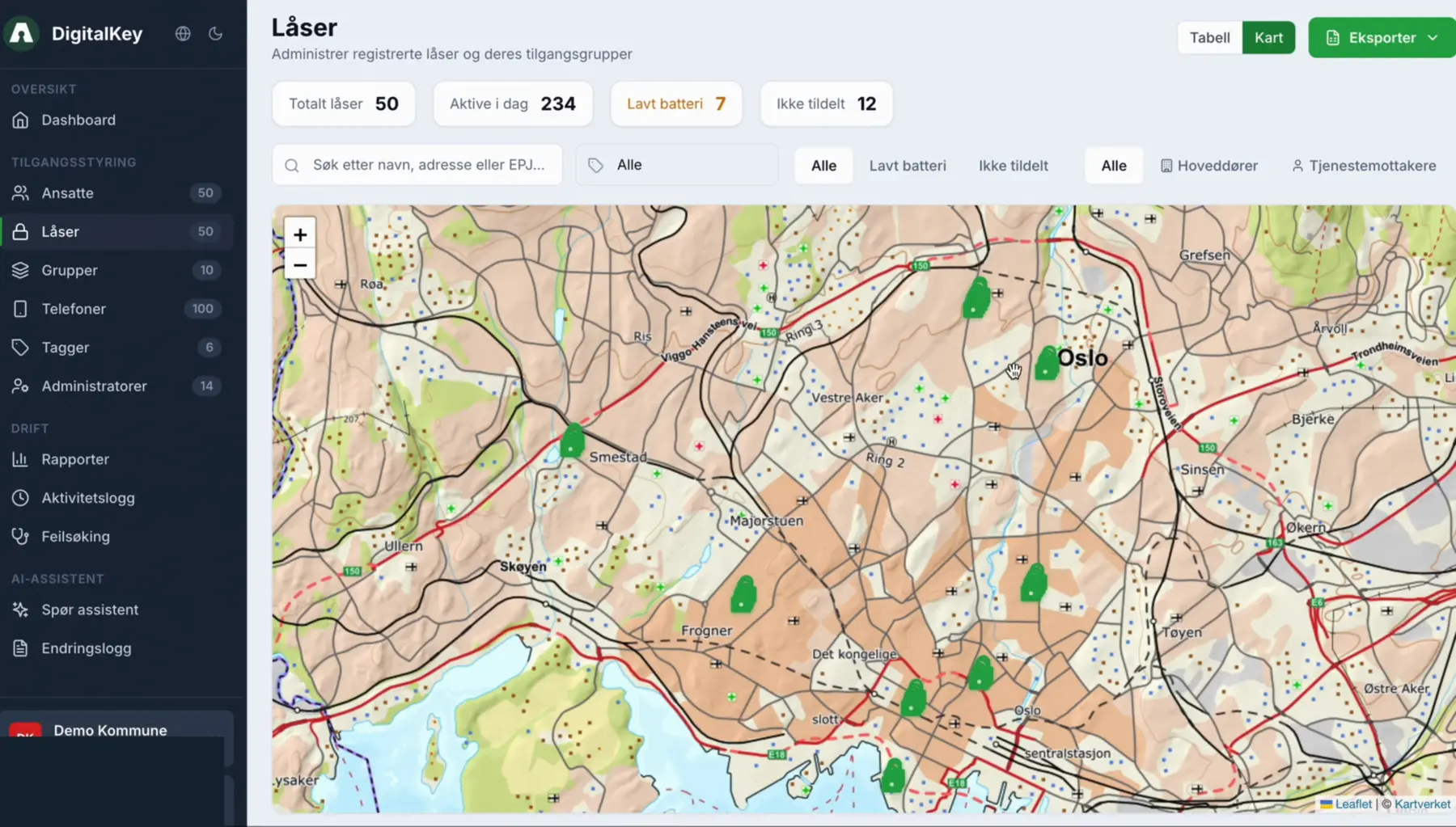
A clear operating model and support
Clarify responsibilities before you begin: system updates, monitoring technical components, fault resolution, battery replacement and user support. Unclear responsibilities are one of the most common sources of frustration after rollout.
Ask specifically: Who do we contact when a door will not open at nine o’clock on a Friday evening? How quickly will they respond? What will it cost? The answers reveal a great deal about how the relationship will work in practice. Set the right expectations, ask the right questions and get the details agreed.
Usability for everyone involved
Municipal employees, solution and access administrators, residents and tenants use the solution in completely different ways. The employee simply wants to get through the door. Administrators need oversight and control. Residents booking a sports hall need a simple experience.
Test with real users in a pilot, not only in a demo. Plan implementation, training, the transition period with both old and new keys, and who will help when someone gets stuck. Good implementation is often the difference between a solution people adopt and one they set aside.
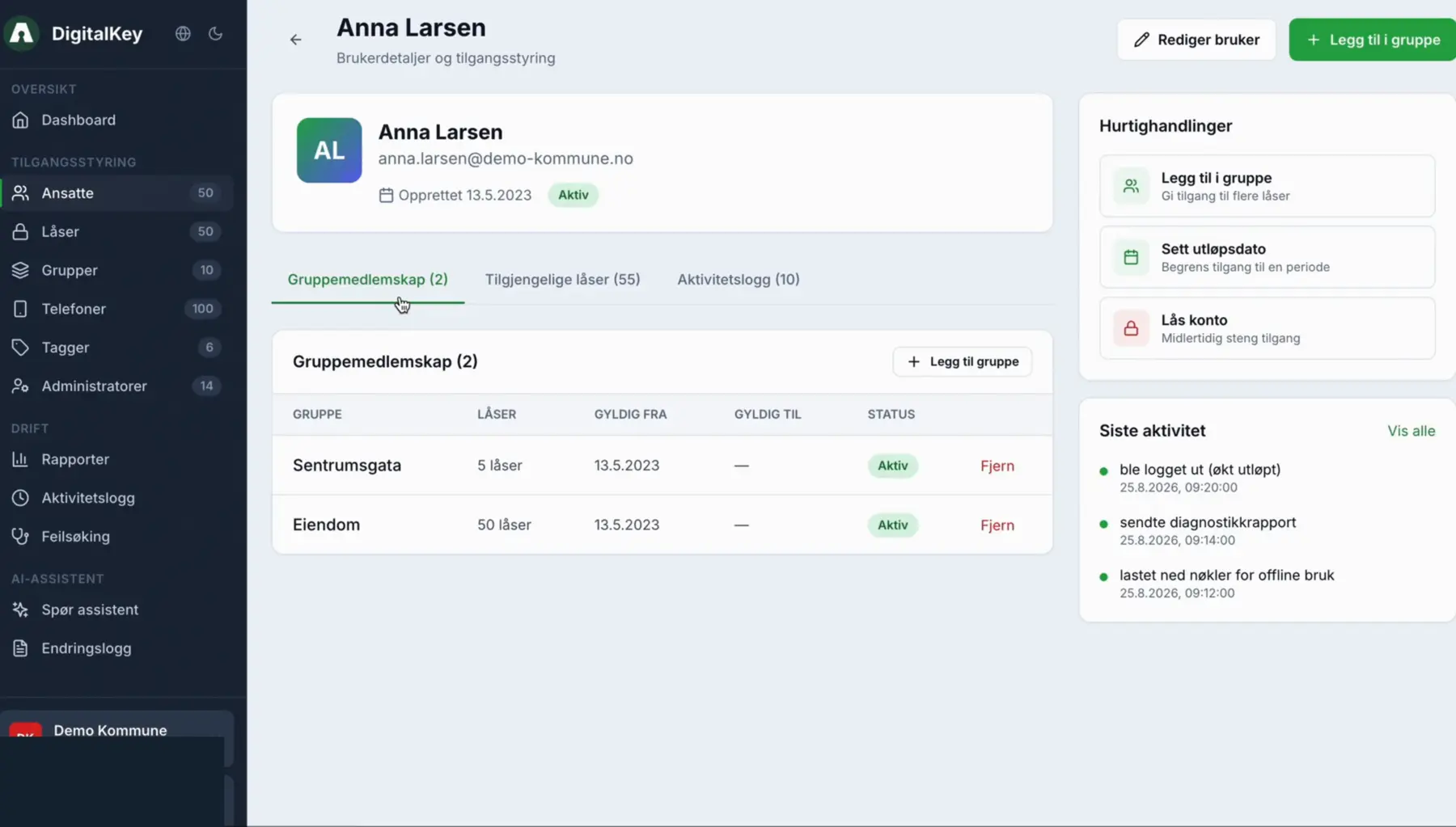
A clear interface reduces training needs and makes permissions easier to manage in busy operational environments.
Scalability without unnecessary vendor lock-in
Most organisations begin with a few buildings. The solution must be able to expand across the municipality without performance, administration and costs getting out of control.
Also consider the day you want to replace locks, add a new lock type or change vendor. Can you take your data with you? Is the solution based on open standards? The less dependent you are on one manufacturer, the more freedom you retain as needs change.
An honest view of cost
The price of the lock itself is only a small part of the calculation. Consider the total cost over several years: locks, licences, installation, integrations, operations, support and training. Also determine how you will receive upgrades and new functionality.
Include the benefits. Assess total cost and value across the entire chain. How much time is spent managing keys today? How often must someone respond because a key is missing? What does it cost to replace cylinders when a key disappears? Is there reuse value? A sound decision basis shows both sides.
Our recommendation
Why Aprire DigitalKey is built as a platform
These ten requirements are a starting point. Their relative importance depends on the municipality’s size, functional requirements, building portfolio and the service areas that will use the solution.
That is why Aprire DigitalKey is built as a platform. Permissions, users, locks and phones are managed through one role-based administration interface. The municipality can choose locks and access technologies according to need while retaining control from one place.
Free webinar · Thursday 19 November · held in Norwegian
What does a good digital key solution really require?
Aprire DigitalKey and Frank Svendsen invite you to a webinar on Thursday 19 November. You will learn which questions a municipality should ask before procurement, a pilot or further rollout. The webinar is held in Norwegian.
- What should municipalities look for when choosing a solution?
- Which requirements matter most for flexibility, control and effective administration?
- How can you choose technology without unnecessary vendor lock-in?
Registration
Reserve your place
Register directly in the form. Confirmation and access details will be sent by email. Provider-controlled fields may appear in Norwegian.