Users and identity
Create, import, search and manage employees, approved devices and administrative roles.

Platform features
Everything around digital access, organised for day-to-day operations.
Aprire brings the most important administrative tasks into one calm, structured workspace.
Core capabilities
Create, import, search and manage employees, approved devices and administrative roles.
Connect people and locks through groups, roles and time-limited permissions.
Manage multiple lock vendors, mobile keys, cards, PIN, NFC, Bluetooth and key fobs.
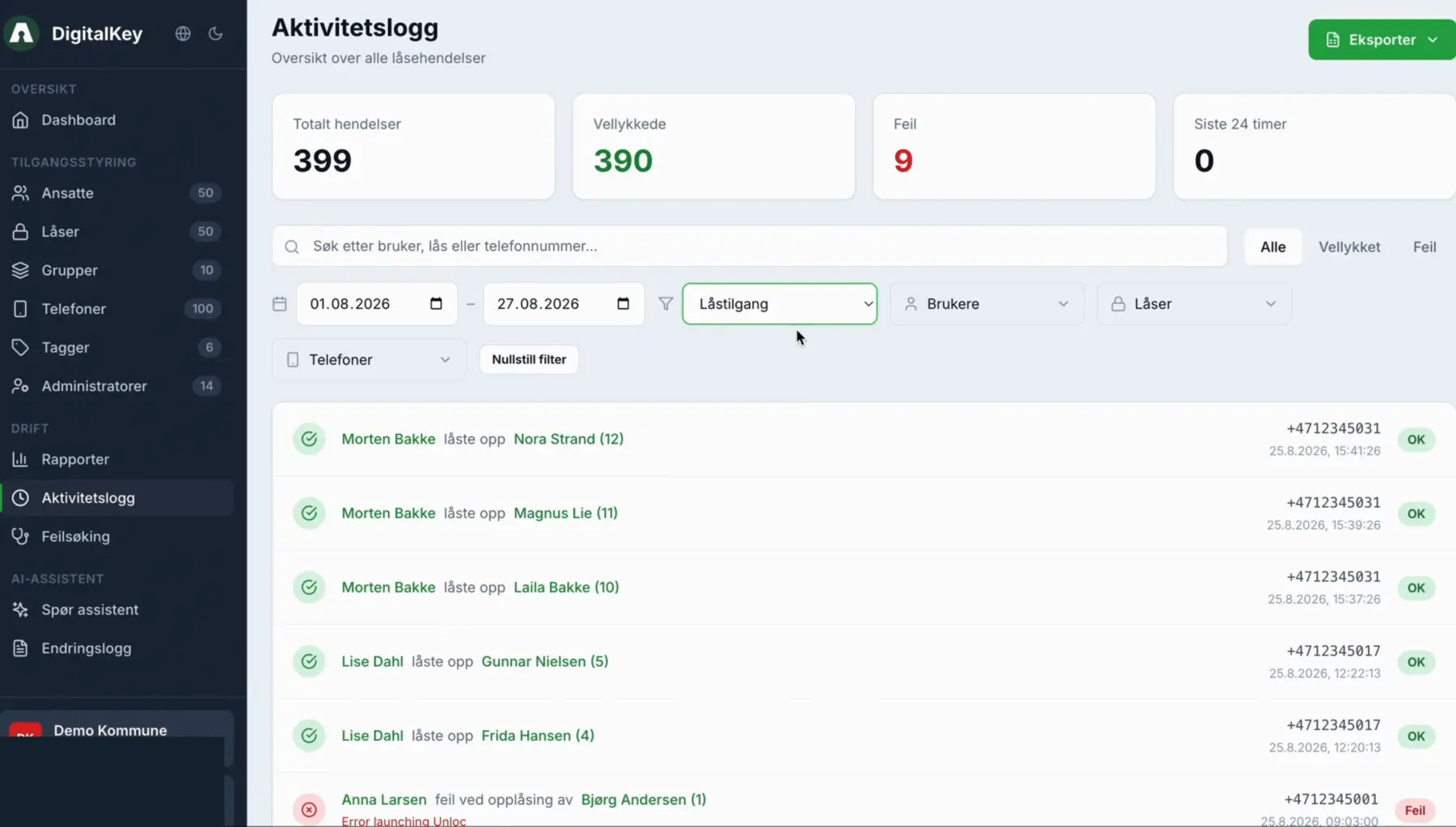
Use dashboards, alerts, activity logs, reports, exports and diagnostic tools.
Connect Entra ID, Active Directory, care systems, planning tools and lock platforms.
Apply role-based administration and retain a clear history of relevant changes and events.
Dashboard and daily control
See users, locks, groups and approved phones at a glance.
Follow low battery, expired access, locked accounts and locks without groups.
Review the latest lock and access events without leaving the dashboard.
Create users and groups or move directly to locks and activity logs.
Identity and access
Search, filter and manage identities and organisational details.
Import many employees through a structured file.
Connect mobile access to controlled devices.
Limit permissions by start and end time.
Groups and structure
Add the right employees and roles to an access group.
Connect doors and lock points to the group once.
Make controlled exceptions where the workflow requires them.
Use Entra connections to reduce duplicate administration.
Lock operations
Move between geographic overview and operational lists.
Find locks by name, address, tag, status or vendor.
Structure locks by area, service, installation or responsibility.
Follow available battery data and prioritise maintenance.
Reporting and documentation
Next step
We will show the workflows that matter for your users, locks and existing systems.