Faster visits
Reduce trips to collect, return or exchange physical keys.

Health and welfare
Reliable access for home care and other mobile services.
Aprire helps teams reach the right door with the right permission while administrators retain control, traceability and freedom to choose technology.
Trusted in practice
Several municipalities already use the solution to simplify key logistics, improve control and support safer daily operations.




Designed for the service
Reduce trips to collect, return or exchange physical keys.
Give employees and partners access only when it is needed.
Use mobile access, cards, key fobs or battery-free solutions where they fit best.
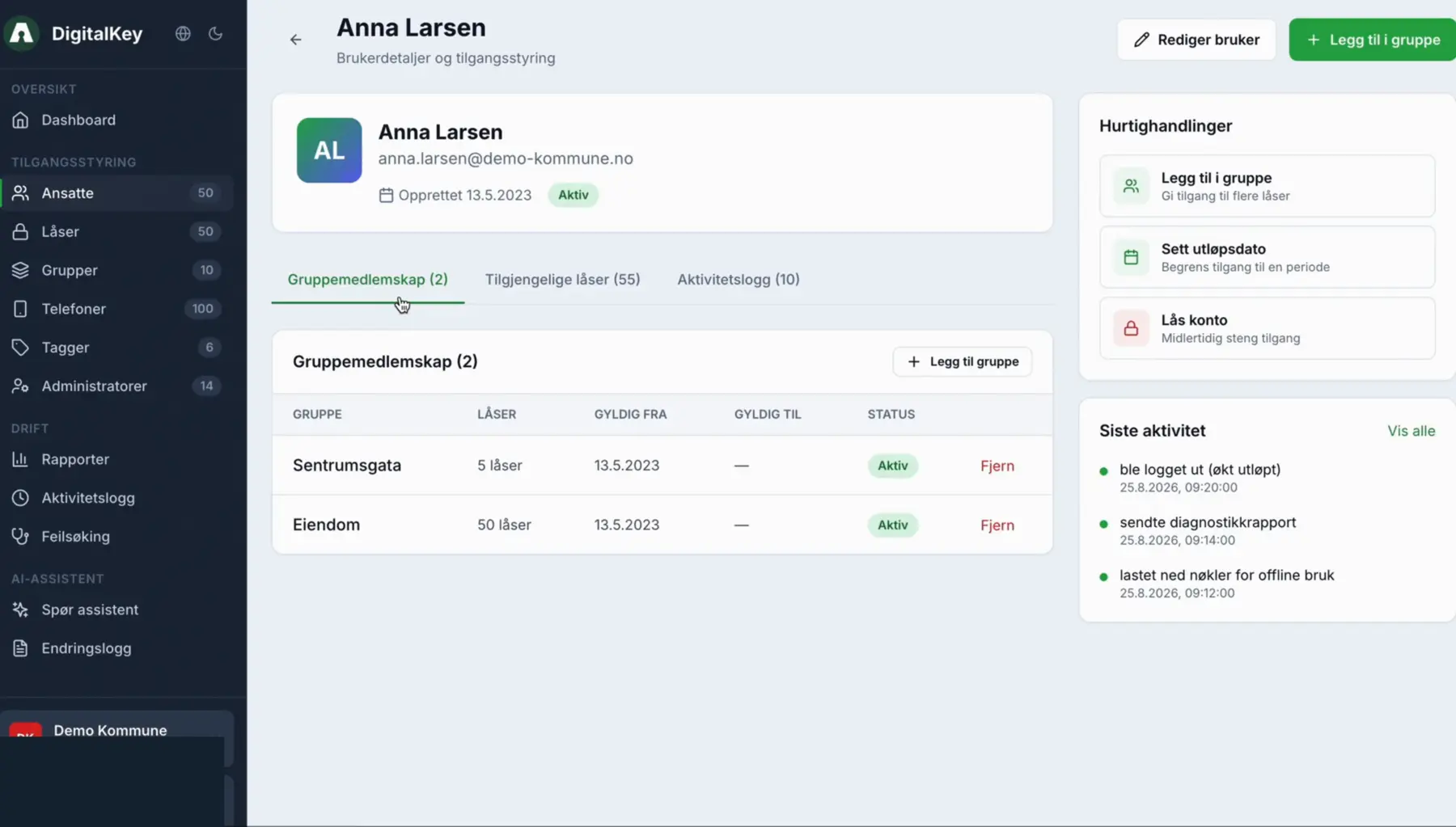
See users, locks, devices, status and relevant events in one place.
Connect identity, planning, care and lock systems through APIs.
Start with a defined service or area and scale through a repeatable model.
The right technology for each door
Aprire supports a mixed access environment. Municipalities can combine technologies based on user needs, coverage, existing installations and operating requirements.
For employees using an approved phone in their daily workflow.
An alternative when a phone is not suitable for the user or situation.
For door environments that prioritise low maintenance and robust offline operation.
For defined use cases where the lock system supports it.
Short-range technologies can be used through supported locks and devices.
Use different lock solutions while maintaining one administration layer.
From employee and shift to valid access
Connect access to the employee and an approved identity.
Use roles and groups that reflect teams, areas and responsibilities.
Give access to the right homes and lock points for the required period.
Use status, logs and reports to identify issues and document activity.
Documentation and support
Follow lock and access events that are available through the integration.
Use access, user and lock reports for operational follow-up.
Give support teams clearer information about users, devices, access and lock status.
Connected service delivery
Connect identities and organisational affiliation to access administration.
Use integrations to reduce duplicate registration and support changes in schedules.
Connect supported technologies through one platform instead of separate operational silos.
Next step
We will show the workflows that matter for your users, locks and existing systems.